



Basic
Get started with essential RaceLab overlays.
Free
Forever.
Download RaceLabImprove your sim racing experience with VR-native overlays, smart layouts, and streaming tools.
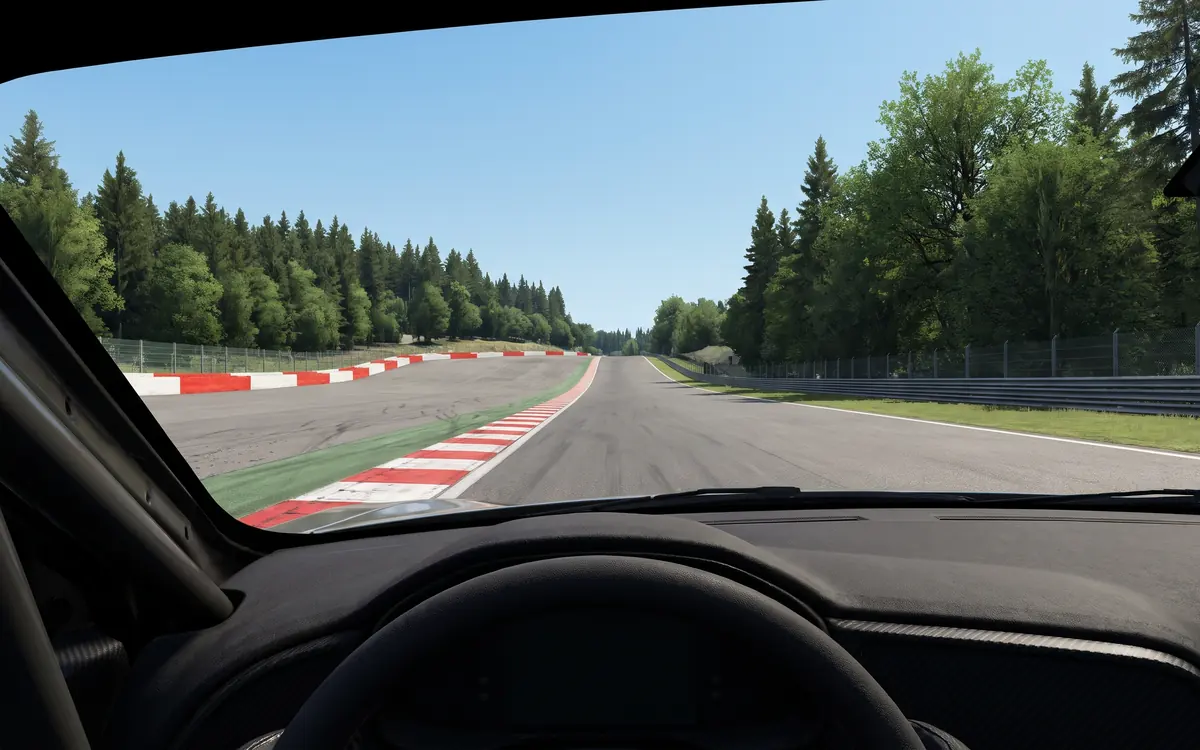
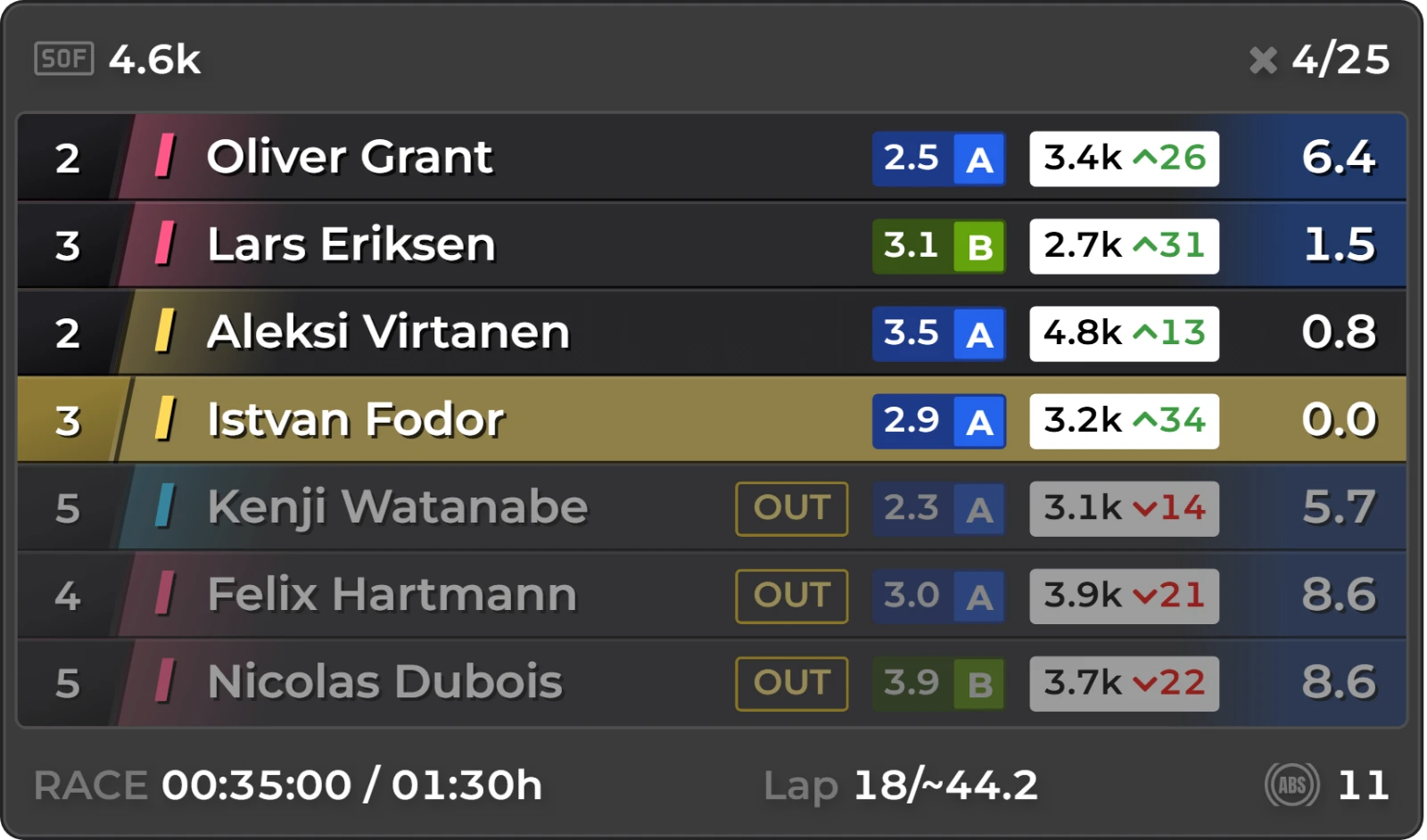
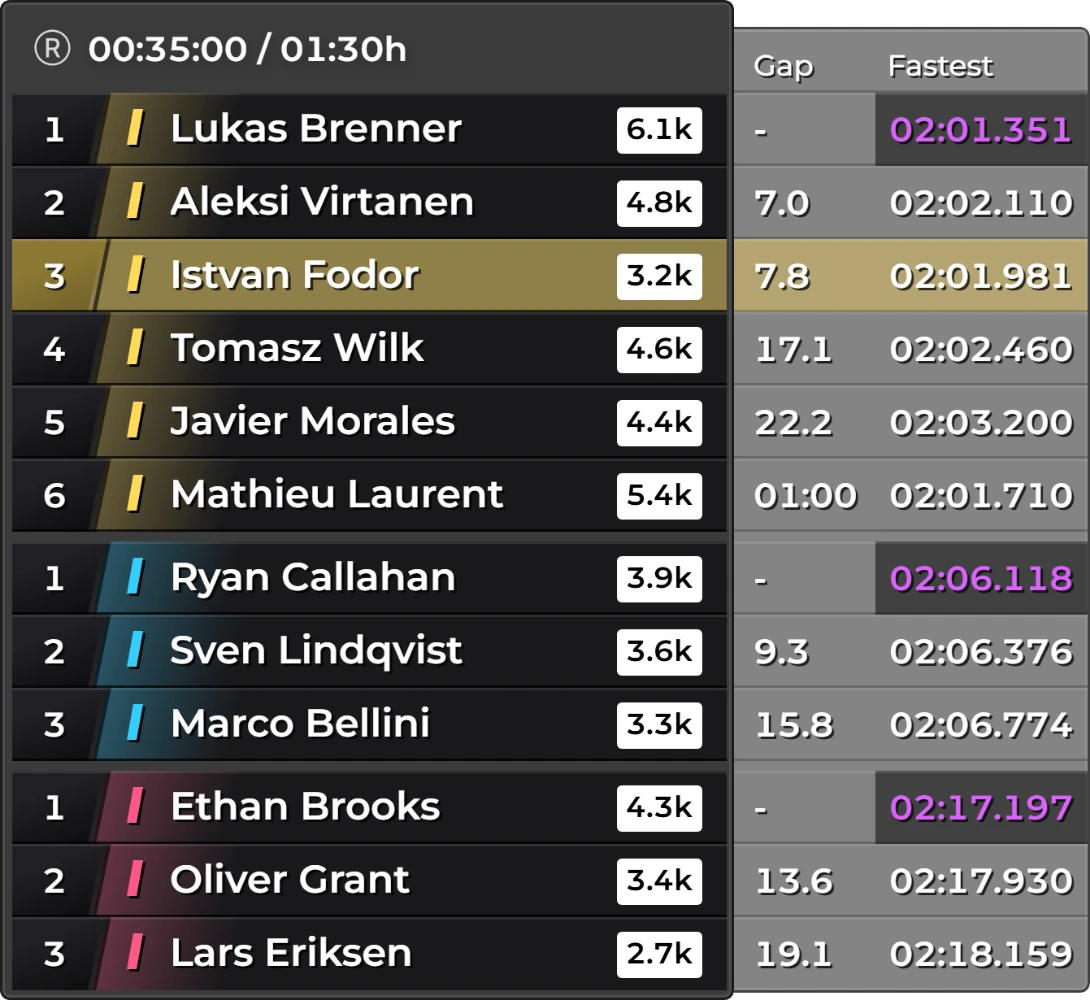

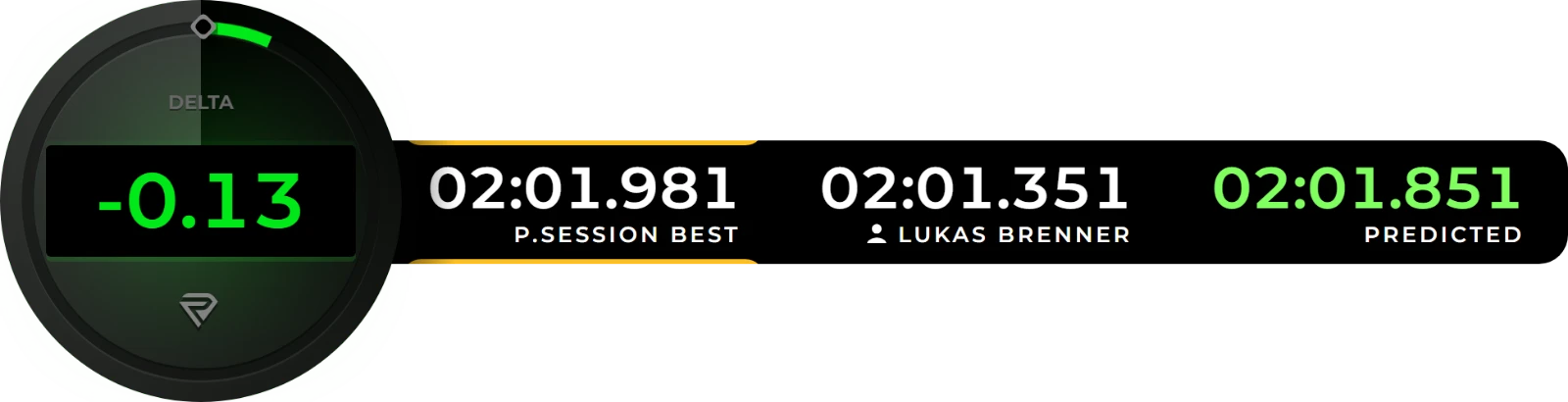
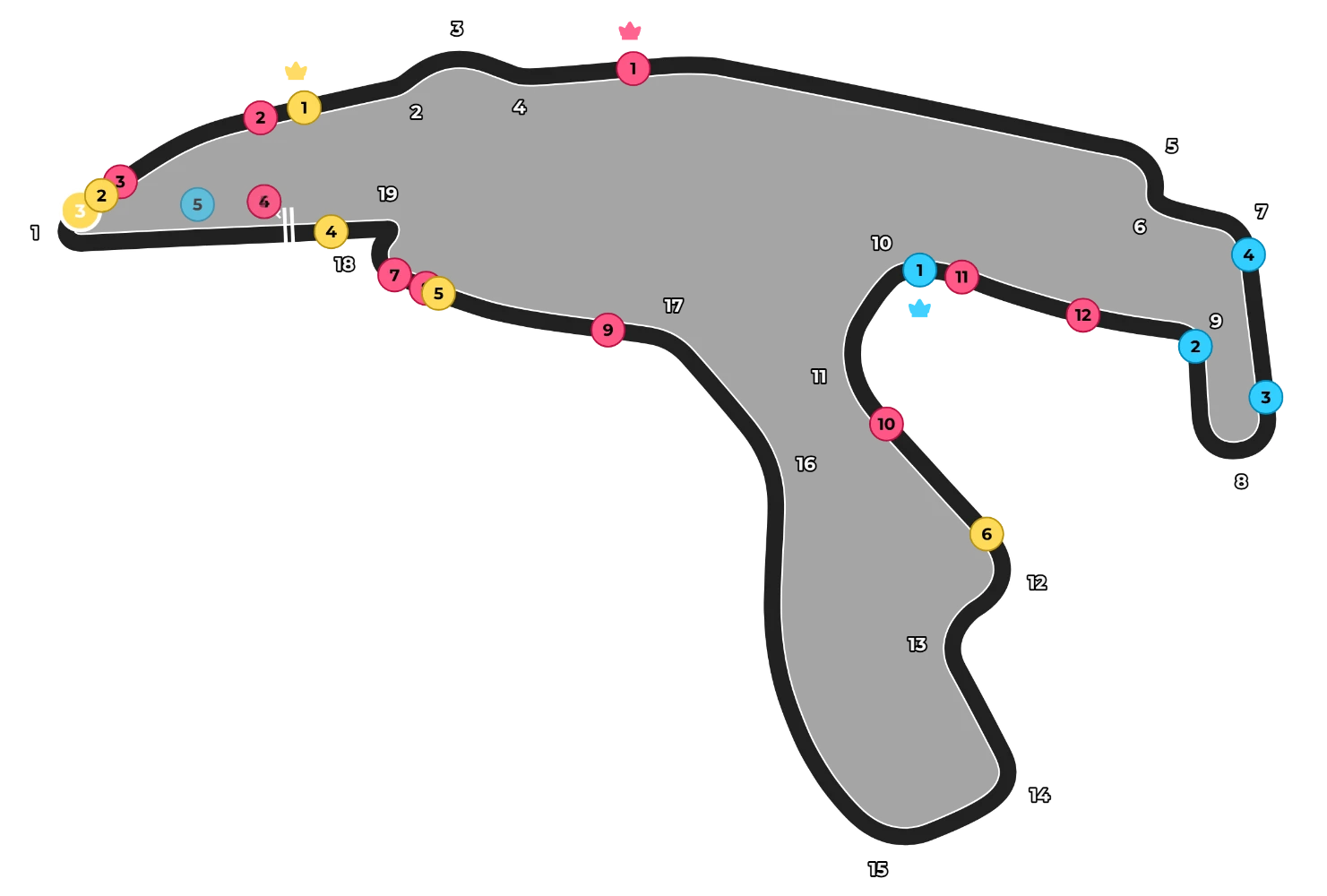
Build your screen
Switch overlays on and off and drag them into place.
Standings
Car & Inputs
Timing
Maps
Fuel & Energy
Spotter
Flags & Race Control
Showing 9 of 33 overlays. See them all
RaceLab is a desktop app that runs next to your sim. It keeps track of your races and your progress.
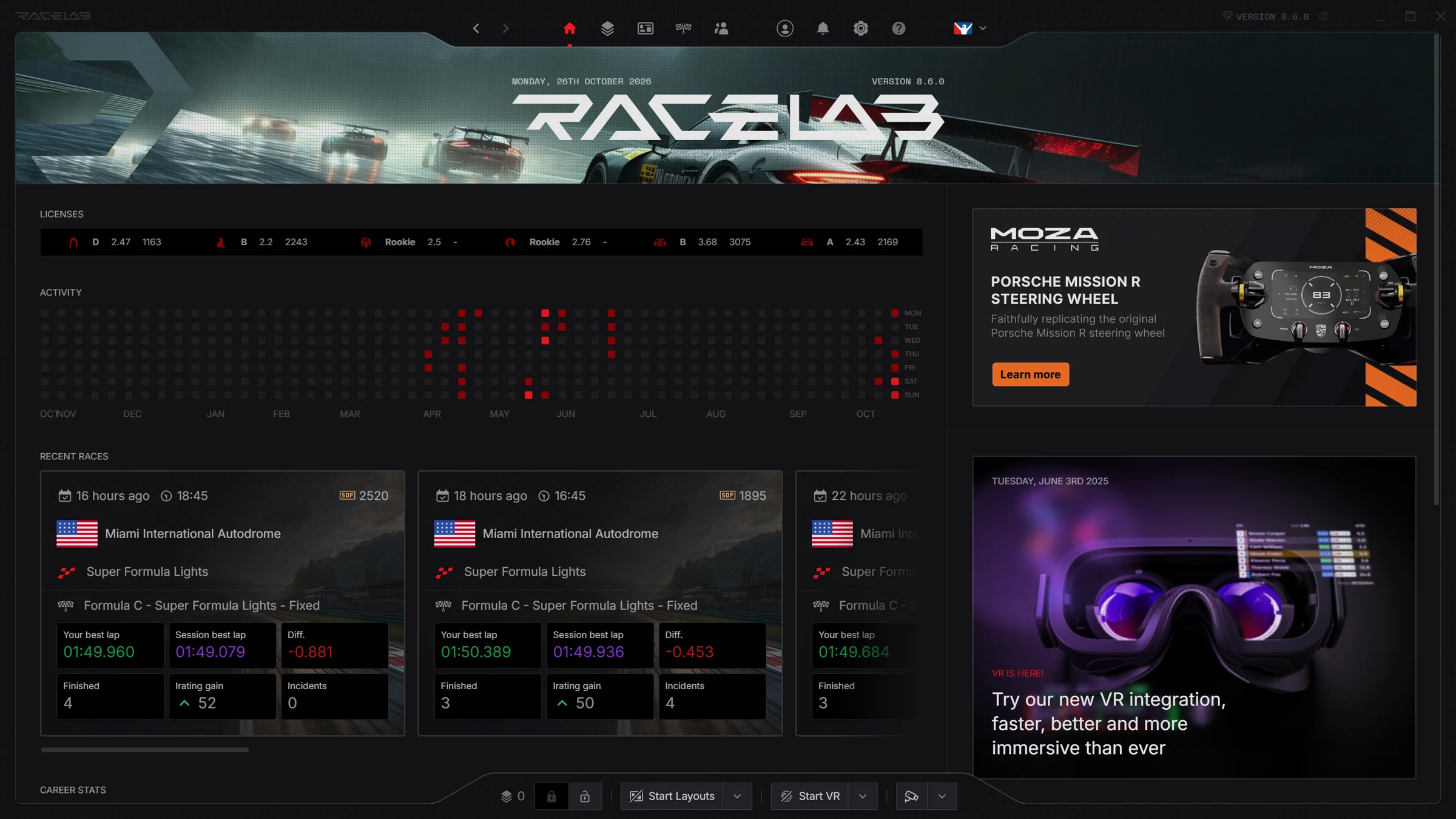
The first screen when you open RaceLab. It fills itself in from your iRacing account after every race, so there's nothing to keep track of yourself.
Your class, safety rating and iRating (iRacing's skill rating) for each license.
Every day you raced this year, on one calendar.
Each race's result, your best lap against the session's best, the iRating you gained and your incidents.
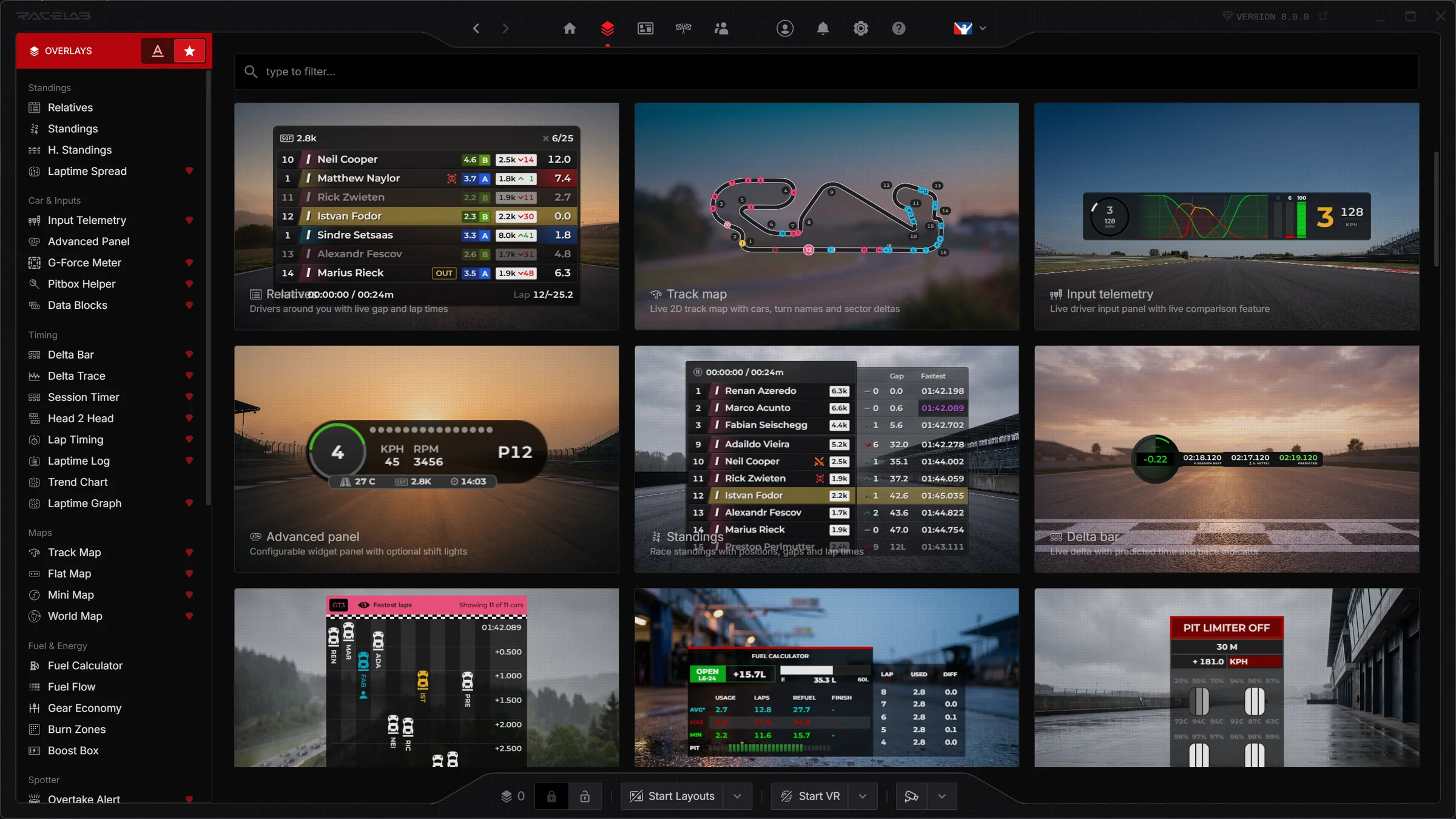
Where you choose what goes on your screen. Open any overlay to change how it looks and what it shows.
Every overlay your sim supports, grouped into Standings, Timing, Maps and more. A red diamond marks a Pro overlay.
Type a name to find an overlay.
Each card shows the overlay as it looks in a race, with its name and what it does.
Overlays in RaceLab are clean, minimal and easy-to-scan, with plenty of customisation options to help you put your data to good use.
The Relative overlay shows the drivers around you with live lap times, stint information, and Elo ratings. Perfect for measuring pace and making smarter on-track decisions.
Works in all 8 sims
Standings
Car & Inputs
Timing
Maps
Fuel & Energy
Spotter
Flags & Race Control
Session Info
Other
Every sim delivers its data differently. RaceLab unifies it, so you get the same overlays whichever sim you race.
Sims
RaceLab
One example: the Relative overlay looks and works the same in every sim.
Your sim runs exactly as it always does. RaceLab sits on top of it and shows your race data as overlays, each one a layer you choose, place and style yourself.
Just start RaceLab and drive. It keeps track of positions, lap times, your inputs and fuel as you race.
Choose the overlays you need and place each one anywhere on screen. Colours, sizes, data and positions are all yours to change.
Save your setup as a layout and link it to a car, series or session. It activates automatically whenever you race one.
OBSStreaming? Every overlay also works in OBS, or any streaming app that takes a browser source.
Position and display your overlays exactly where you want with custom layouts. Create intelligent layouts which will automatically adjust your overlays depending on the sessions, series or even the car.
PROSmart layouts are part of Pro
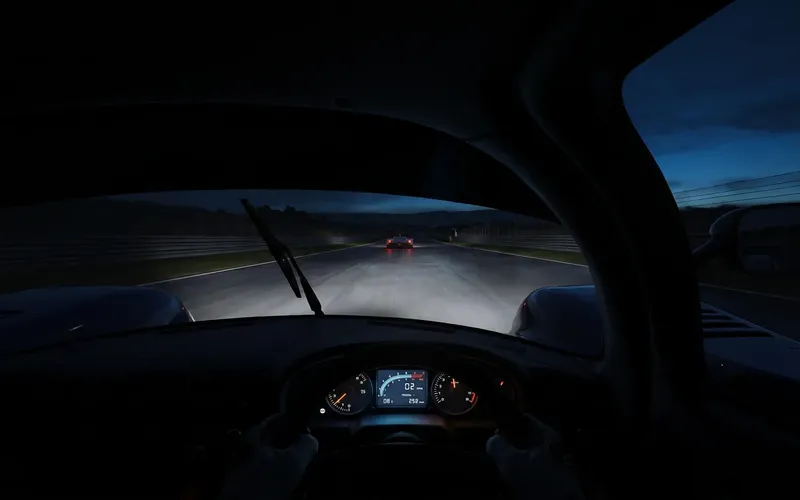
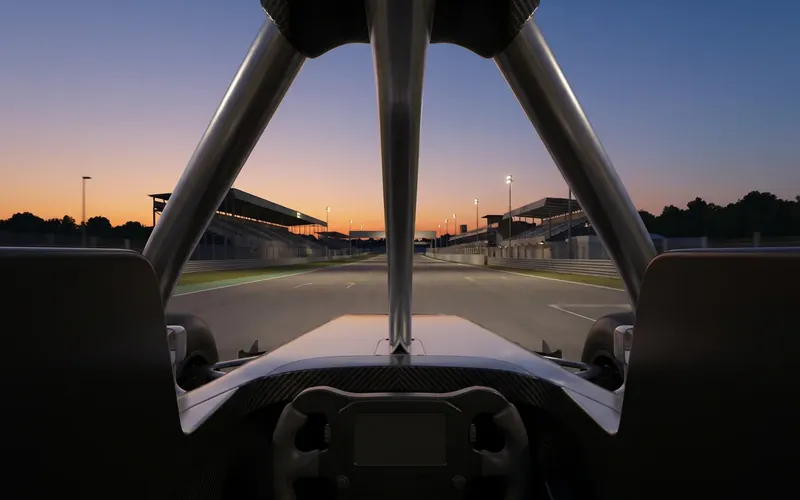
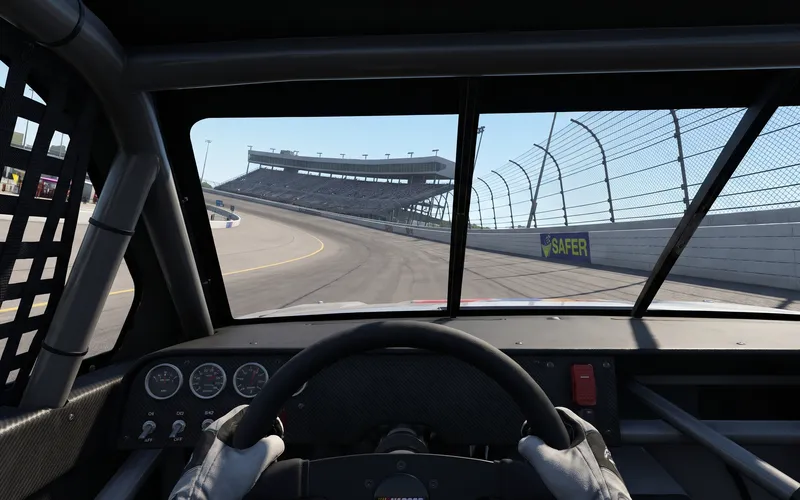

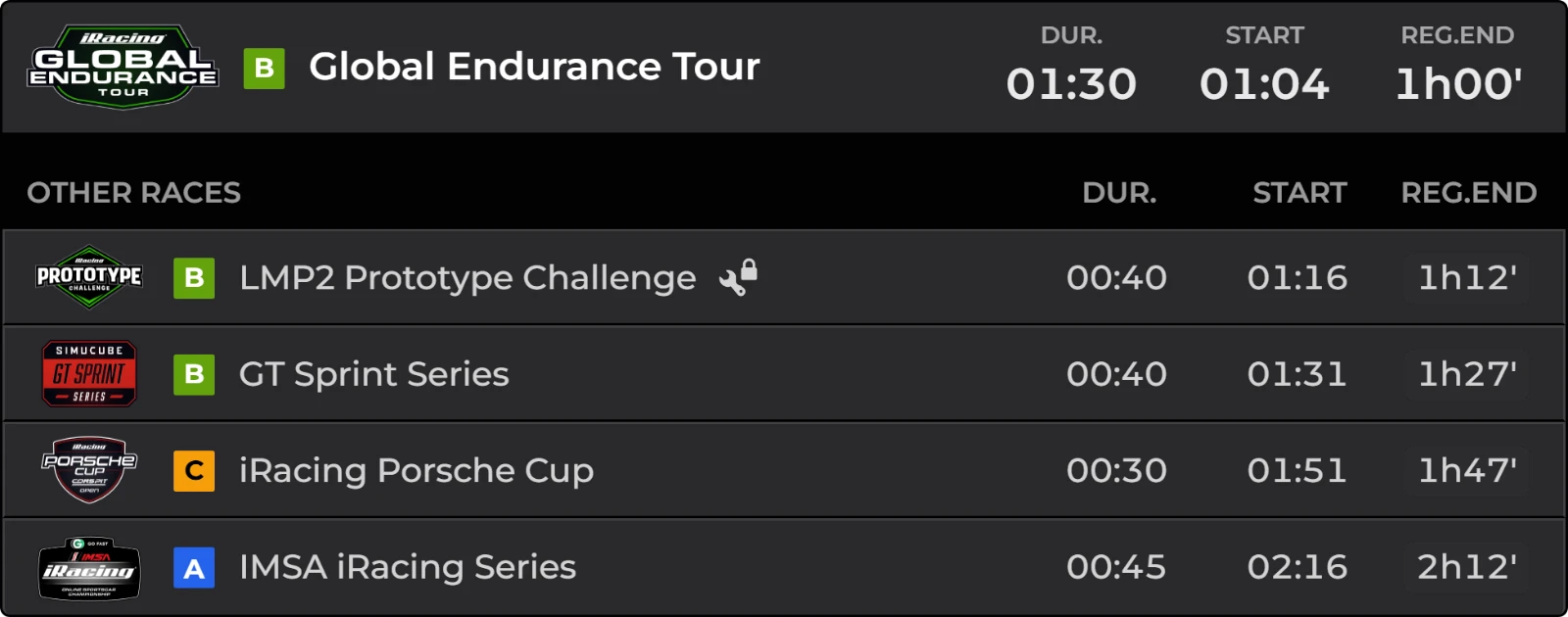

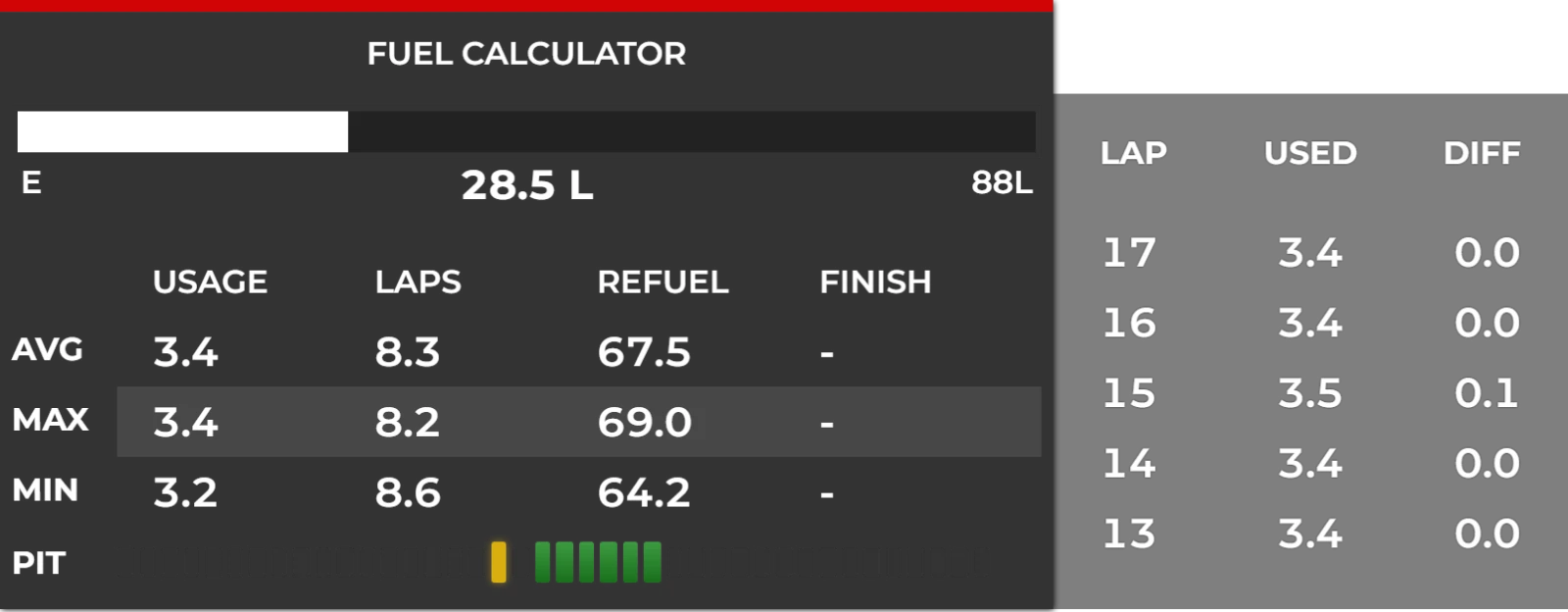
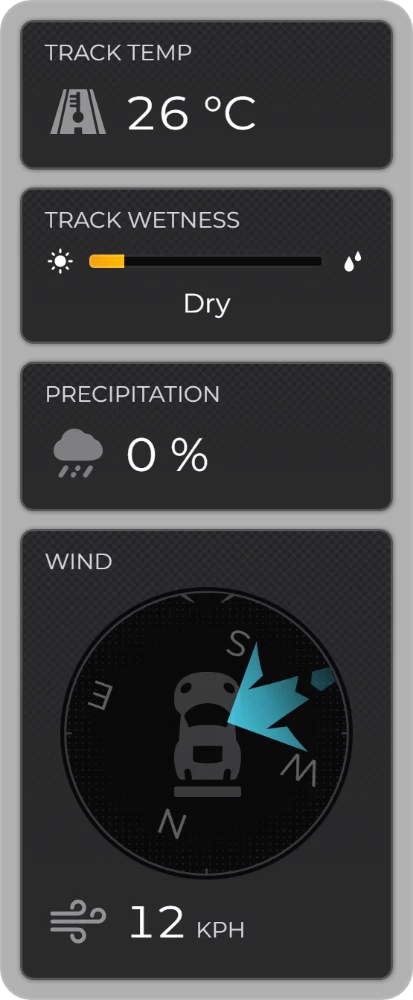

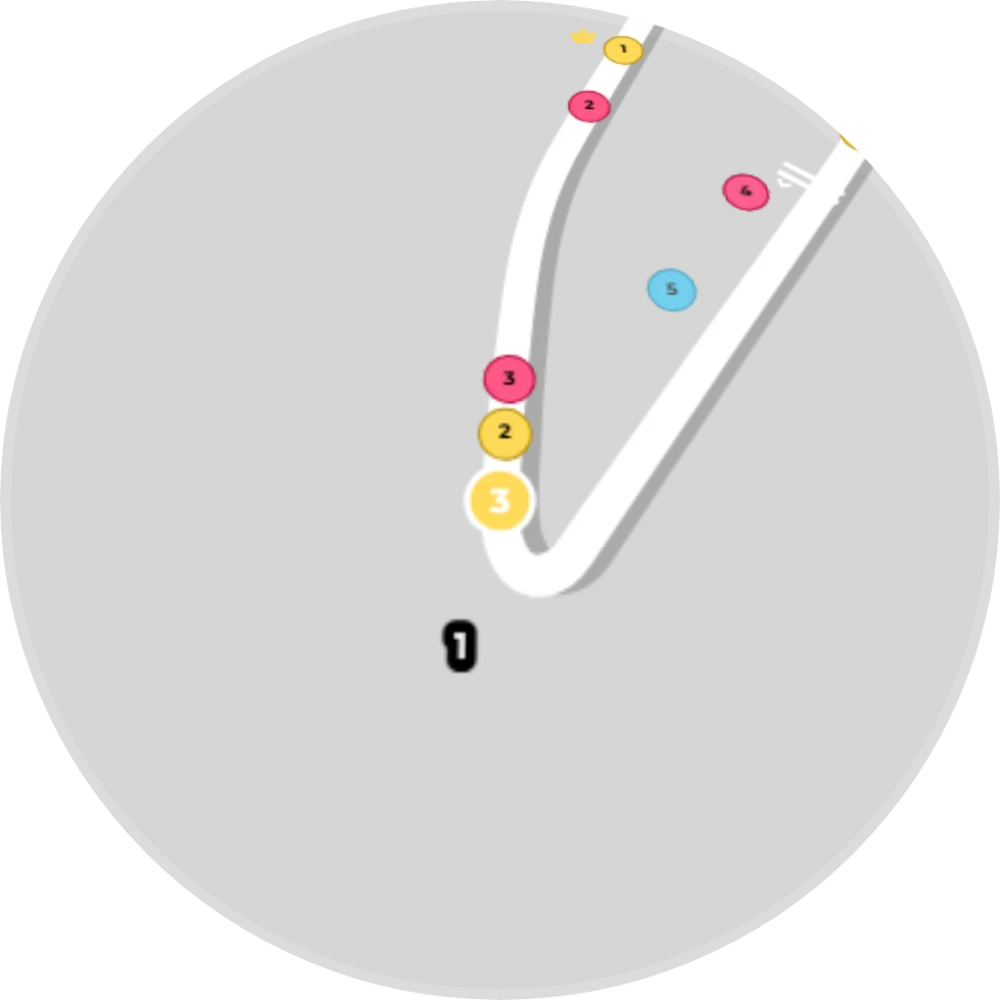
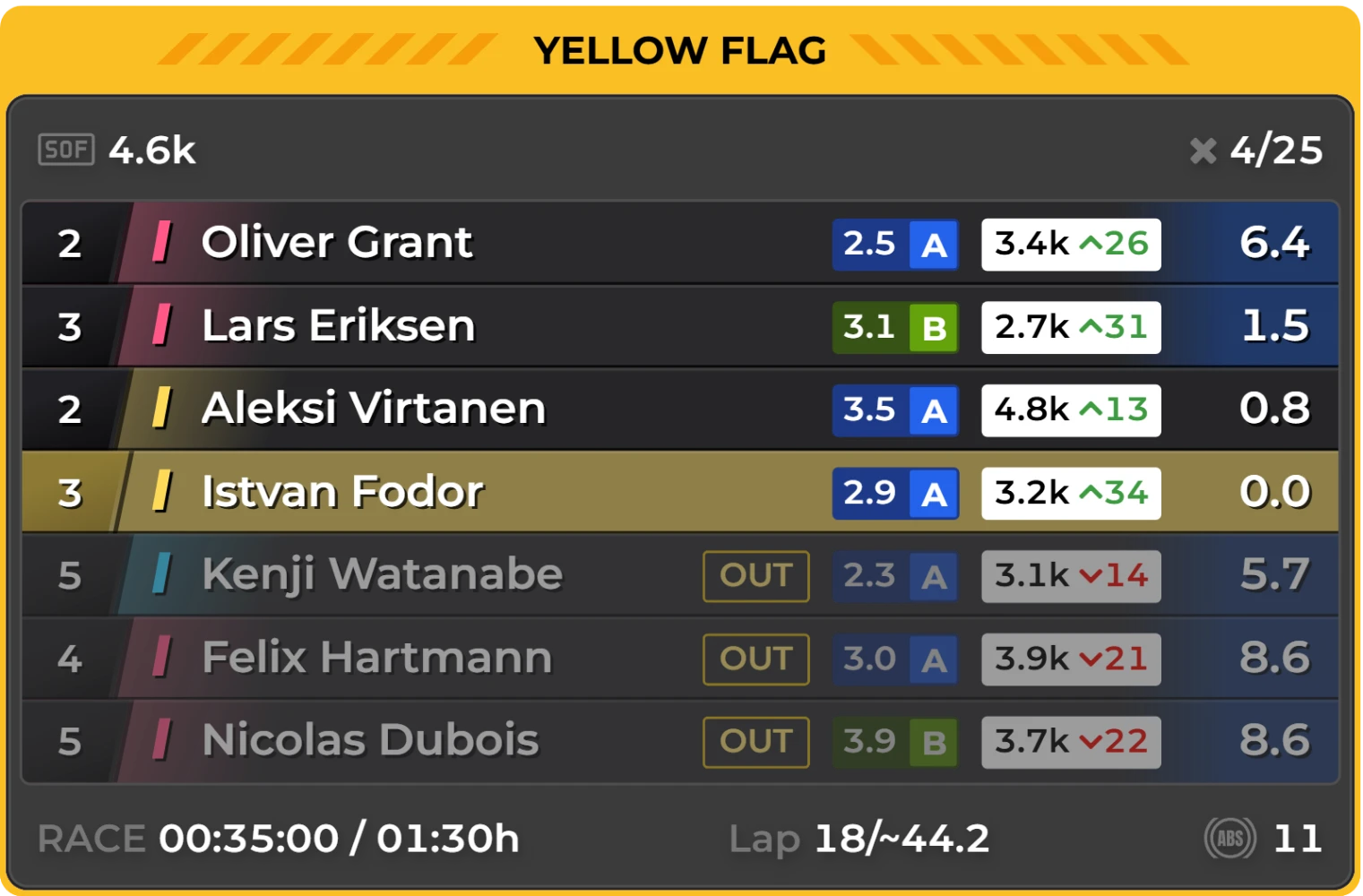
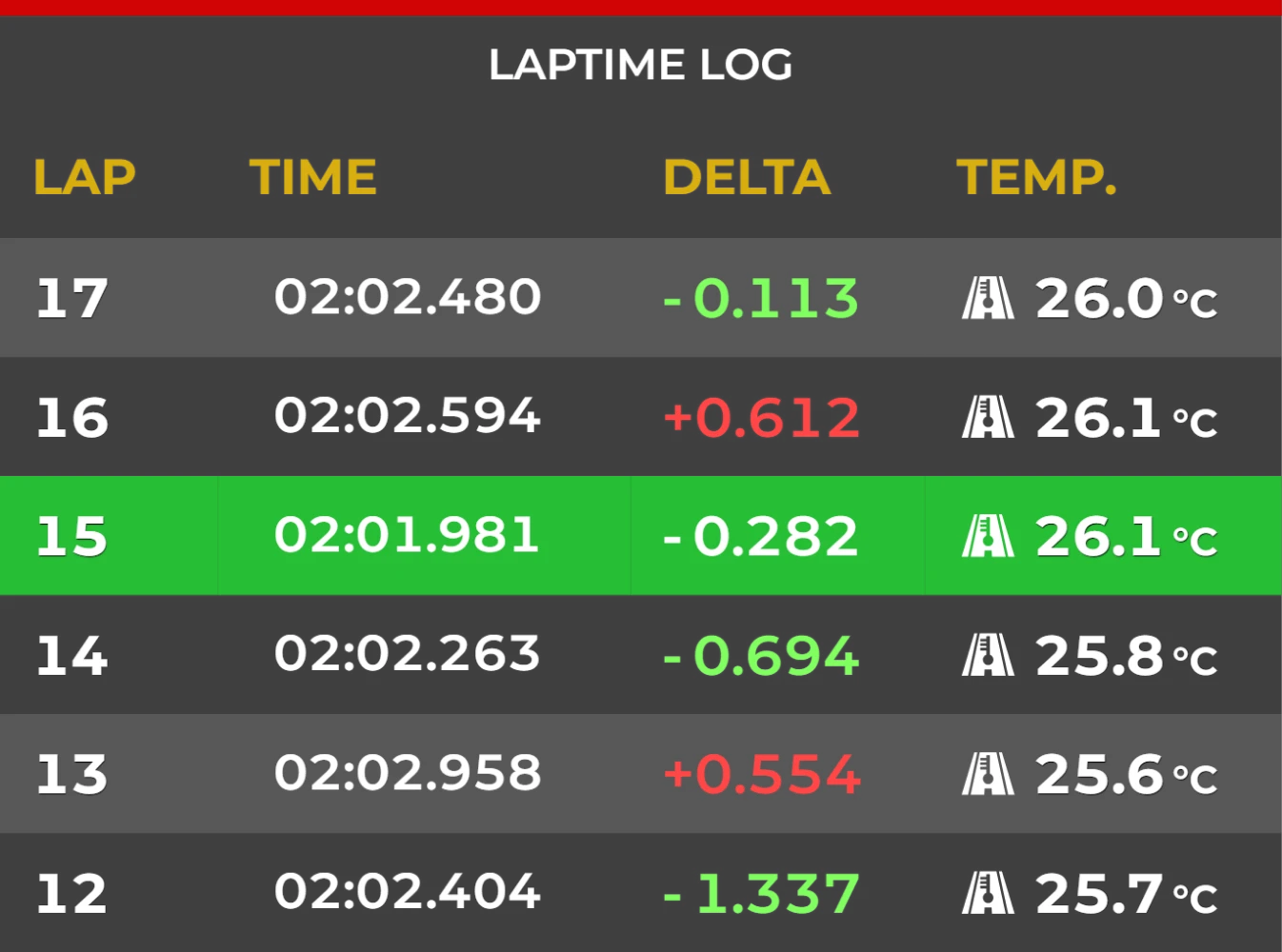
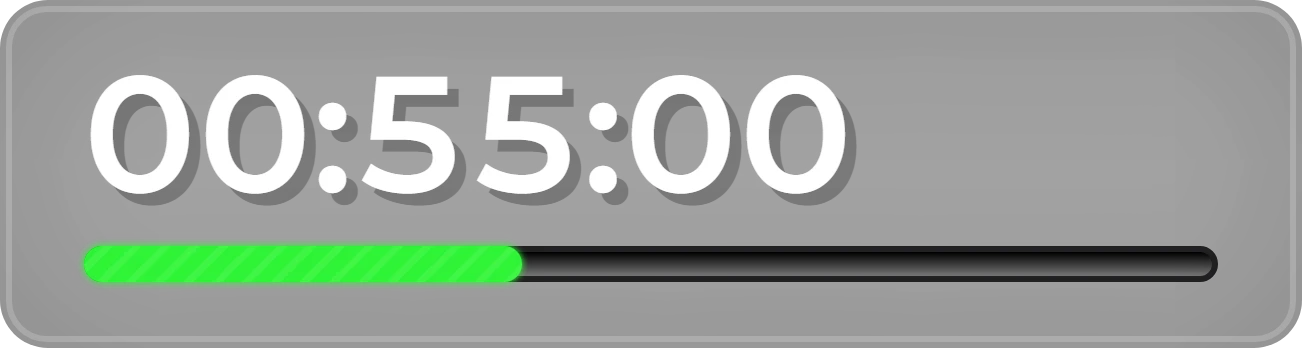


In practice your GT3 practice layout is on, because it is linked to GT3 cars.
RaceLab draws your overlays inside the headset, right where you place them in the cockpit. You never take the headset off to change them.
PRORaceLab VR is part of Pro
Stays where you put it, fades when you look away. Each overlay stays fixed in the cockpit while you turn your head, and fades until you look at it again.
Drag to look around
Curve an overlay round your view, tilt it towards you and set how see-through it is, so it reads well from where you sit.
Drag the sliders to try it.
Press Tab in the sim and move your overlays with the mouse and keyboard, with the headset still on. Space picks the next one, M switches between moving and turning it.
Click the keys to try it.
Turn VR on, recenter your view, switch overlay sets or hide everything with a button on your wheel.
60FPS
Overlays update 60 times a second inside the headset. The ring goes round once a second, one tick per update.
VR leaves little to spare, so RaceLab VR is built to stay out of the way of your frame rate.


 Works in every sim RaceLab supports, with OpenXR, OpenVR and SteamVR headsets on Nvidia and AMD graphics cards.
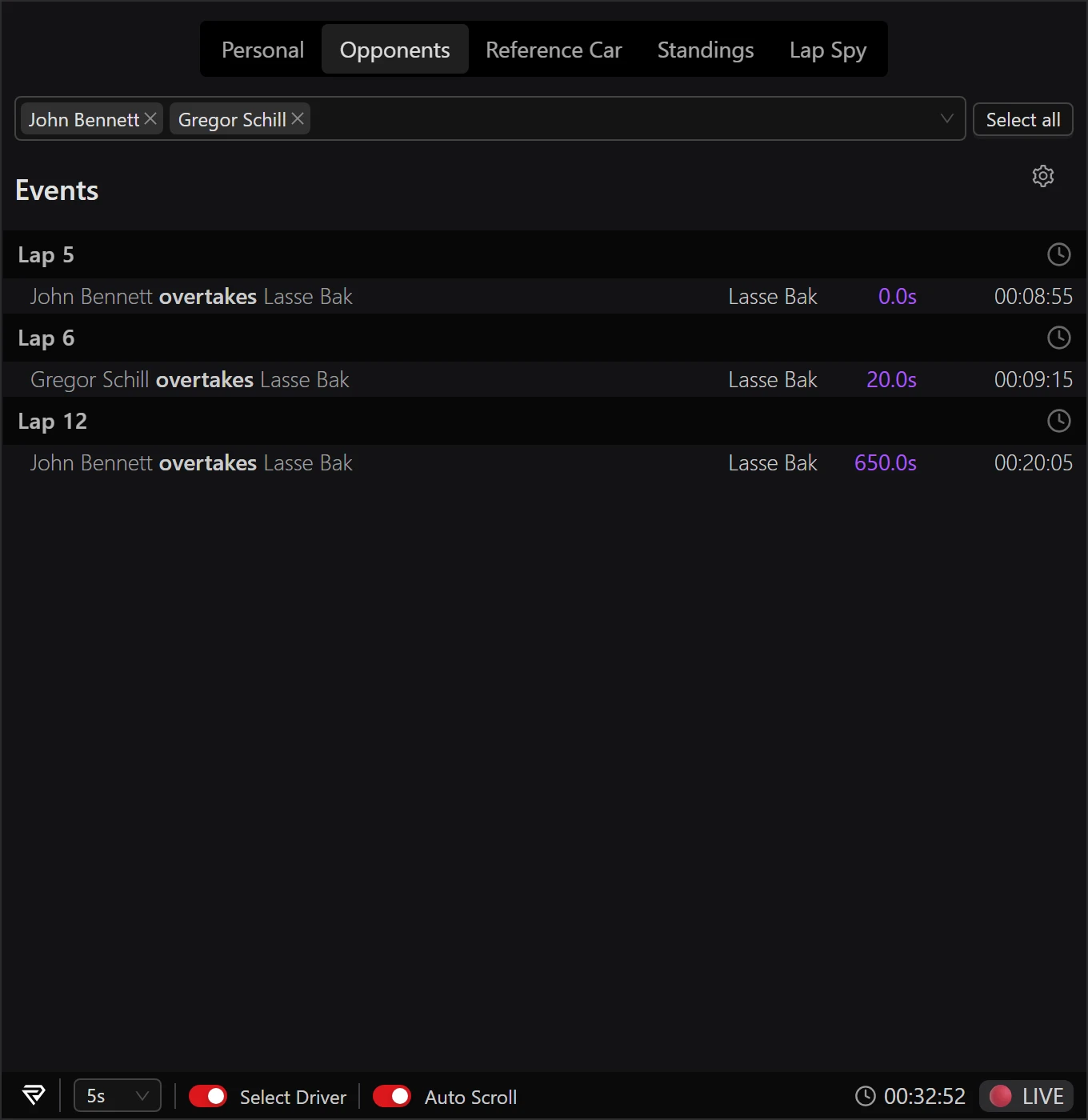
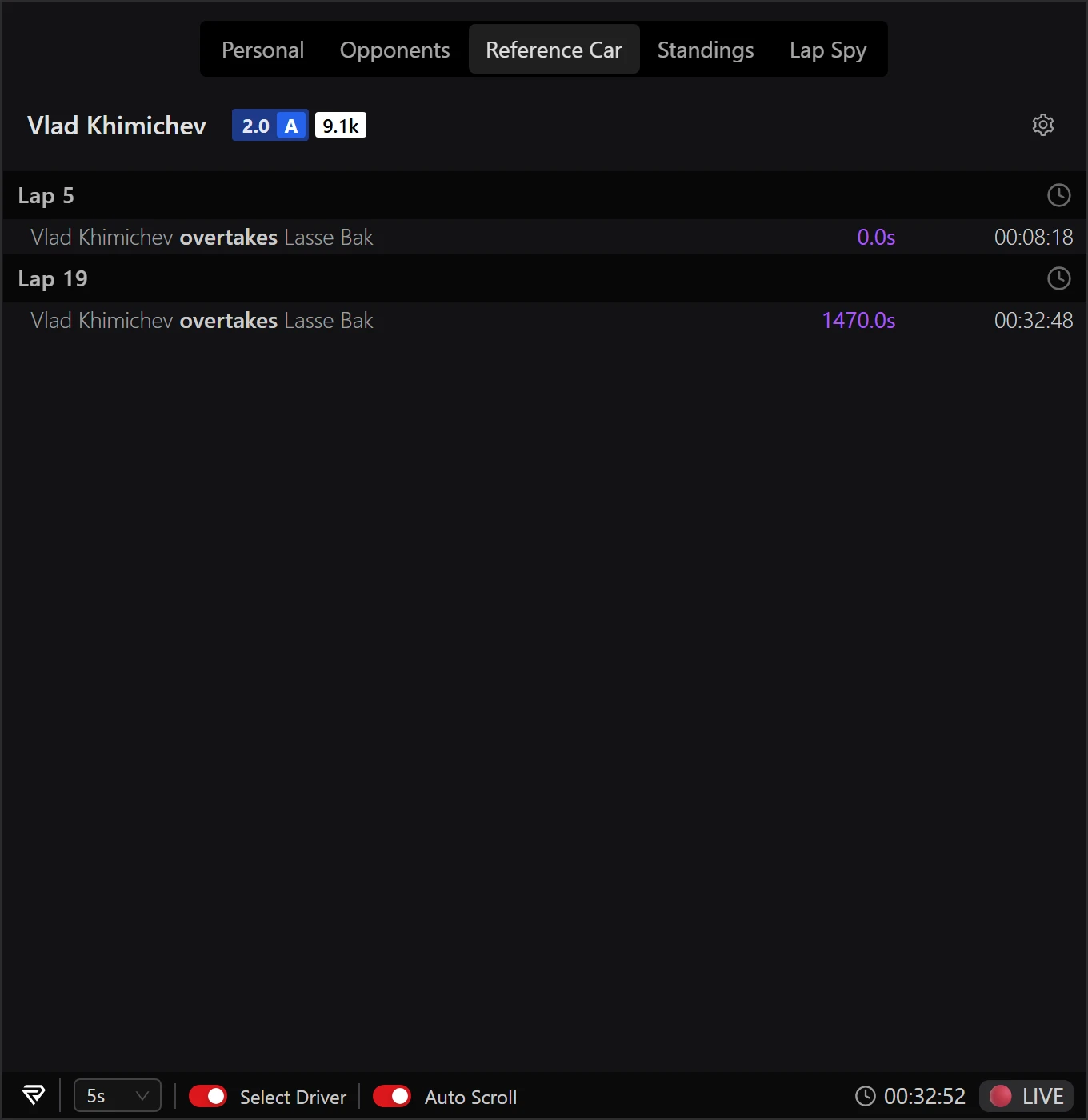
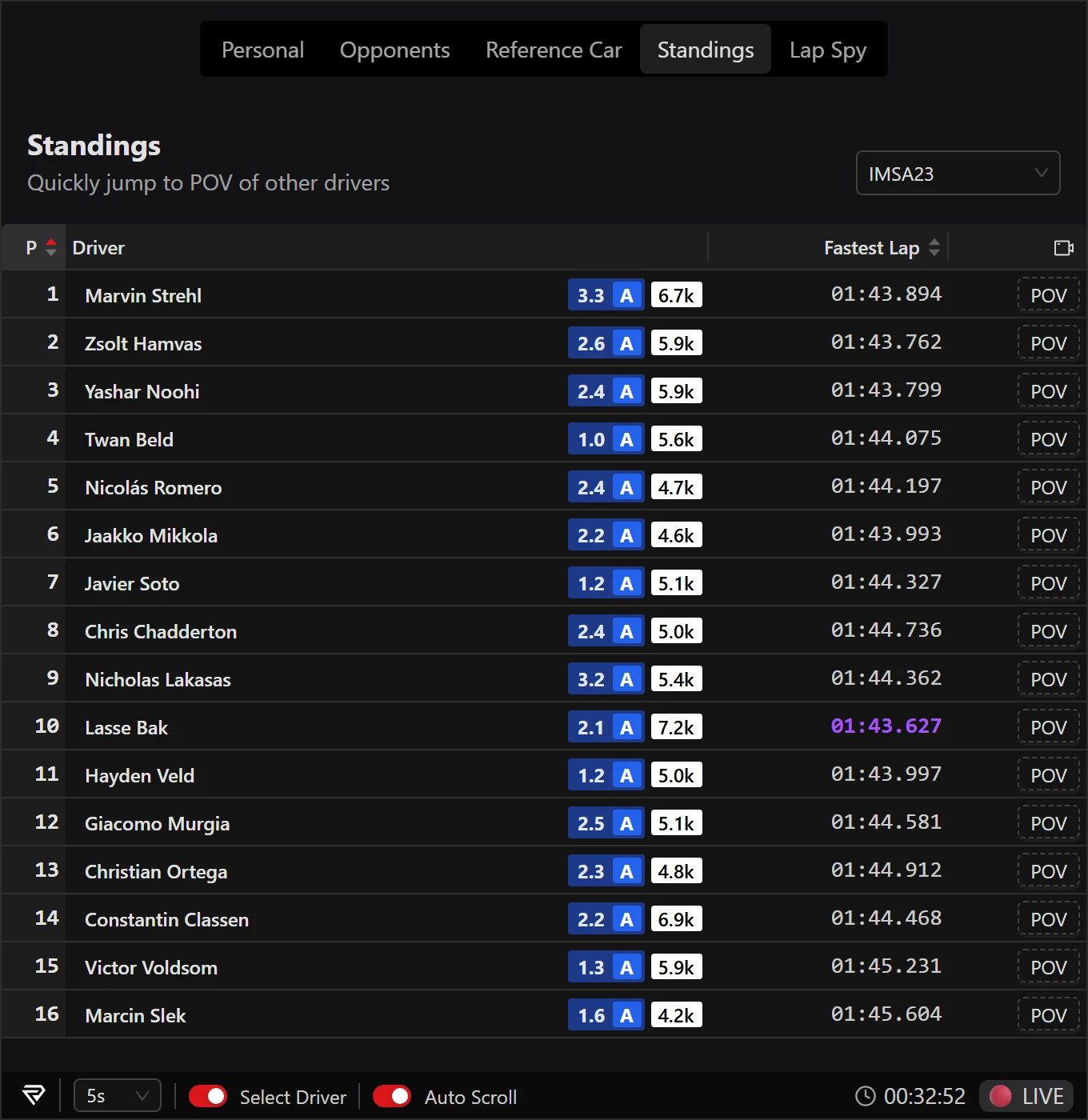
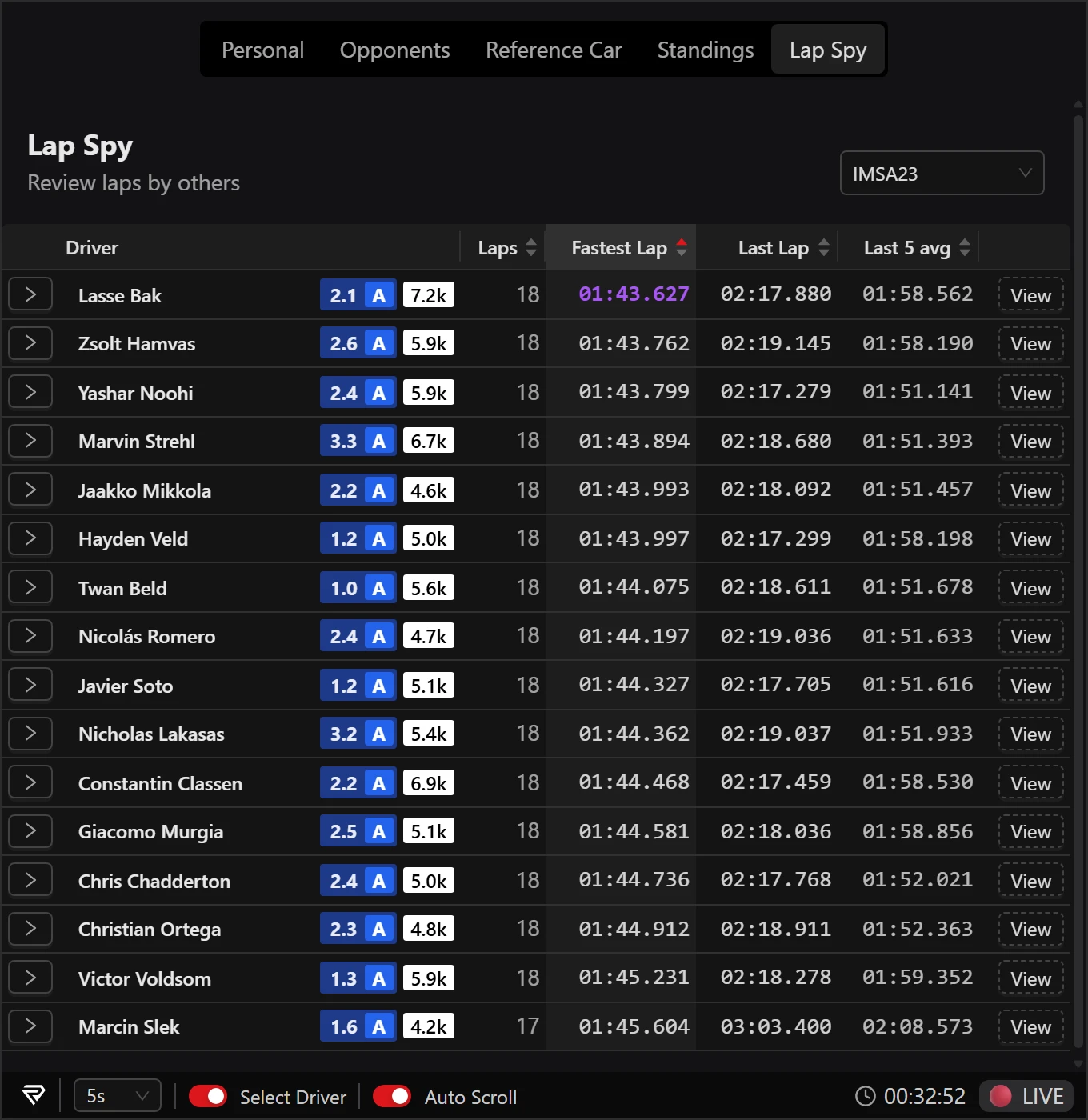
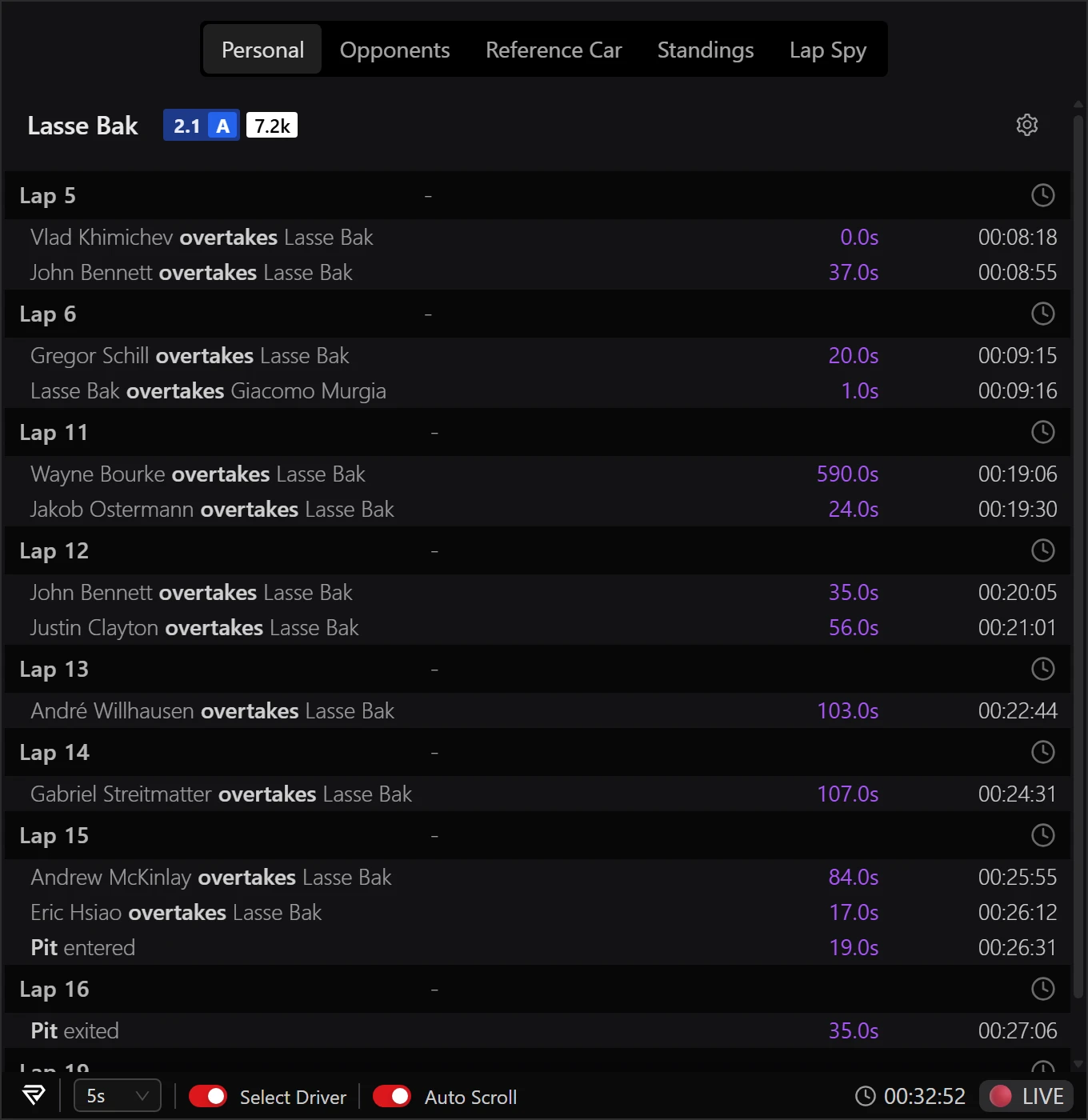
When you leave the cockpit, RaceLab lists everything that happened in your session: incidents, off tracks, overtakes, pit stops and more. Click one and the replay jumps there, a few seconds early, with the camera on that driver.
The list already holds the race so far, and each new event lands at the bottom the moment it happens. Click any event to watch it again while the race carries on; the yellow chip shows how far behind live you are. Real race footage from Daytona with RaceLab overlays on screen; every event on the list is a real moment from that race.
The tabs along the top of the window switch what it lists. Pick one to see it.
Works in iRacing
PROJumping to incidents is free, to every other event with Pro
In a team race, the sim shows the fuel only to the driver. Fuel Sharing puts it on your screen too: watch your teammate's car and plan the stop without asking.
Pick a dot to see what that part shows.
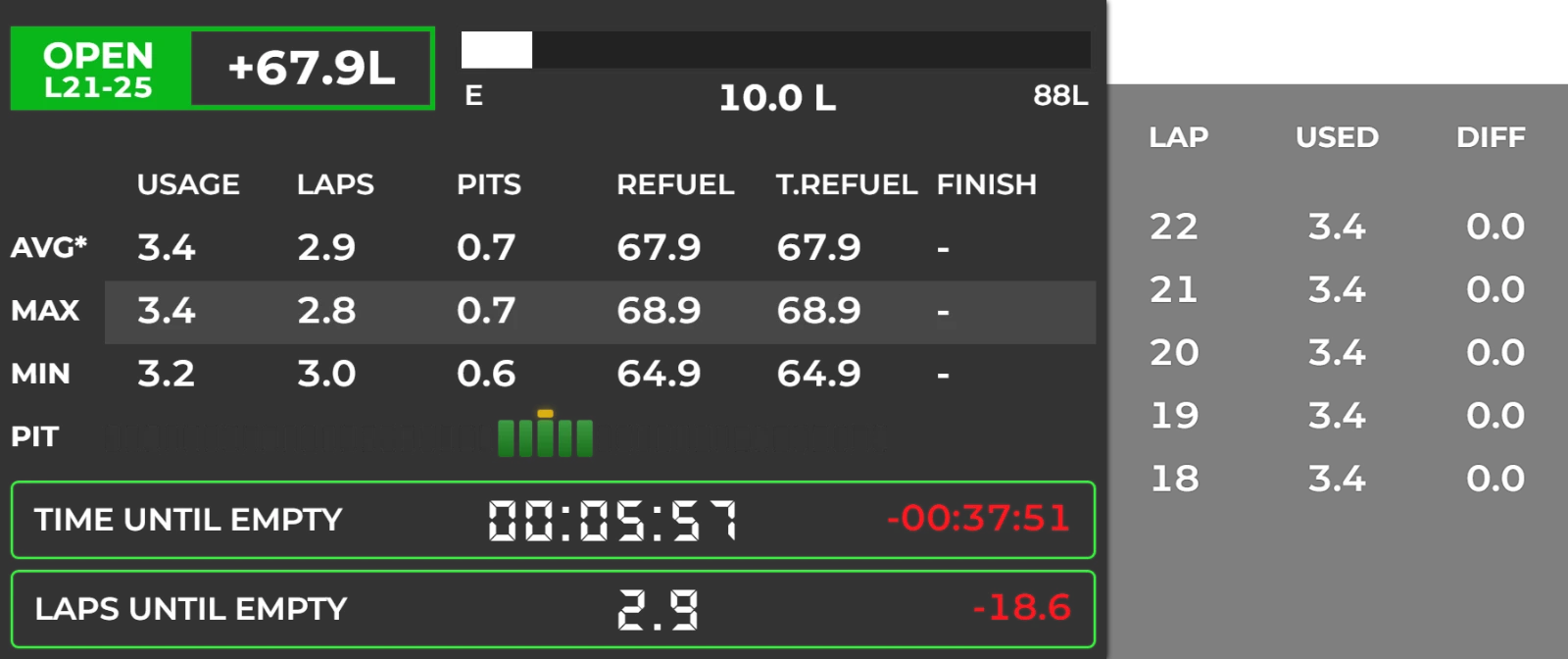
The pit window is open: your driver can stop on laps 21 to 25 and still reach the flag.

On track, every car looks the same. Tag a driver once as your rival, a clean driver or a league friend, and the tag sits beside their name in your Relative, your Standings and on your Track Map every time you meet again.
The cars right around you on track, ahead and behind, with the gap to each.
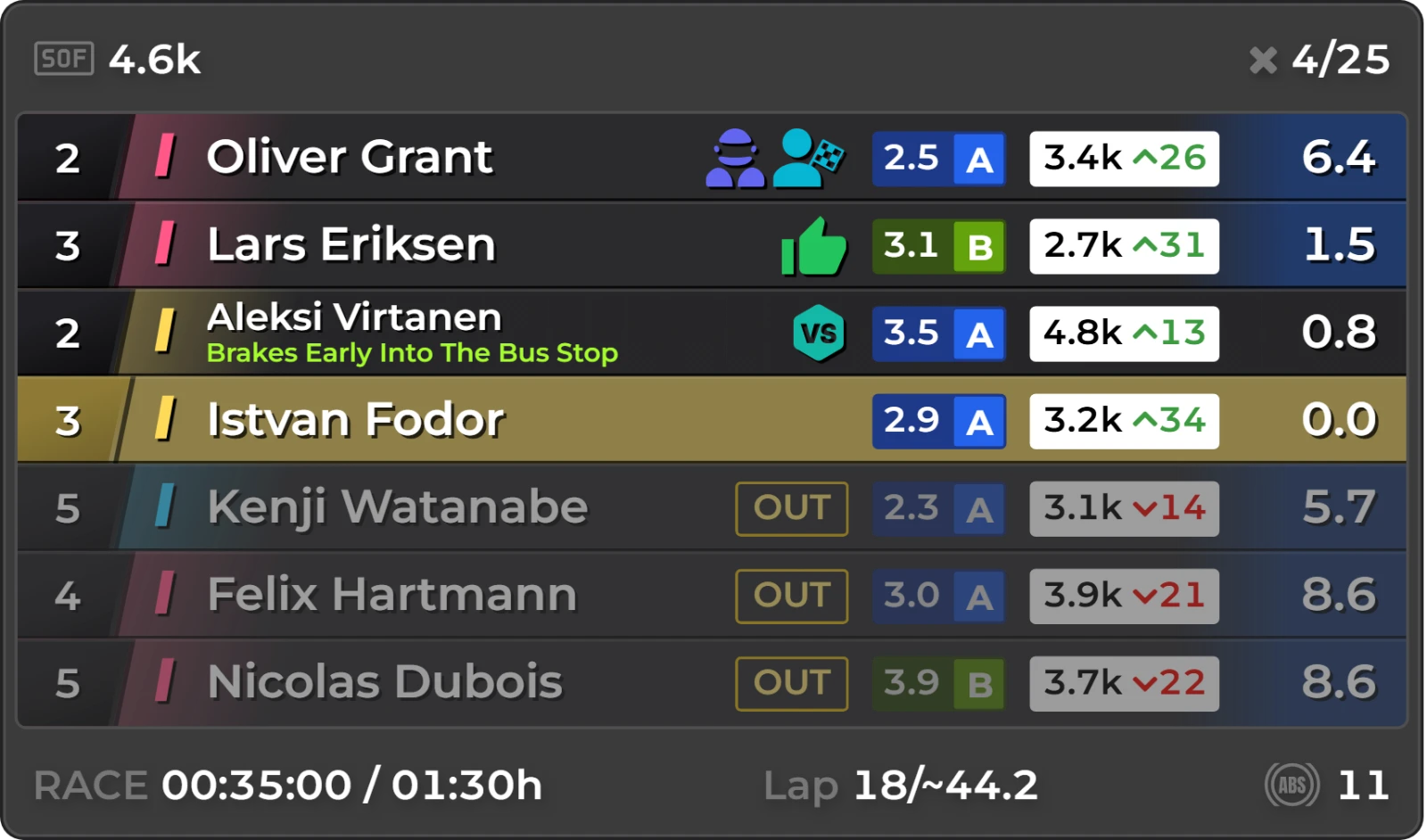
Click + to see what it tells you.
Aleksi Virtanen is your rival. When he's this close, expect a fight for the place.
See how fast you need to be, which car is strongest at this week's track, when most drivers race and how strong the fields are. For every iRacing series, every week of the season.
Every iRacing series in one list, with how strong, how clean, how full and how popular its races are.
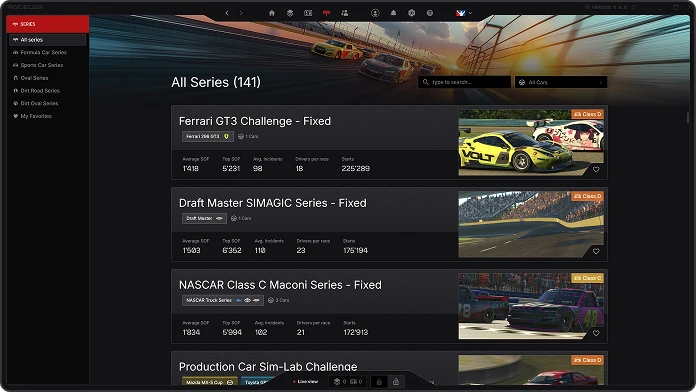
Click + to see what it shows.
Every iRacing series, sorted by type: formula, sports car, oval and dirt, plus your favourites.
Skip the chore of launching and quitting your tool stack. RaceLab owns the whole lifecycle for you. Automatically starting and stopping all applications for you.
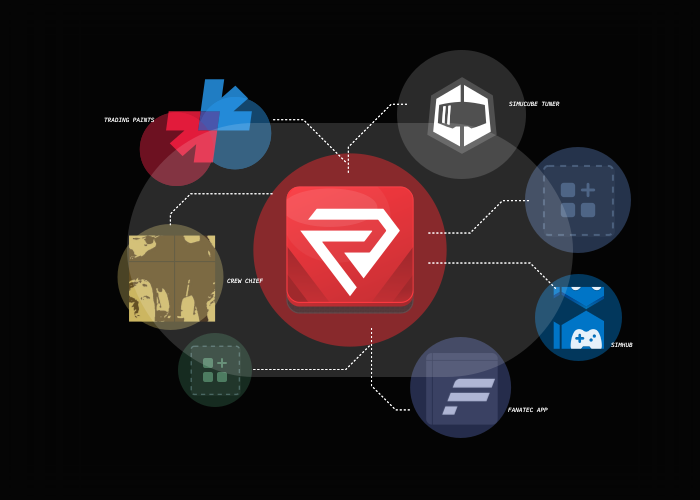
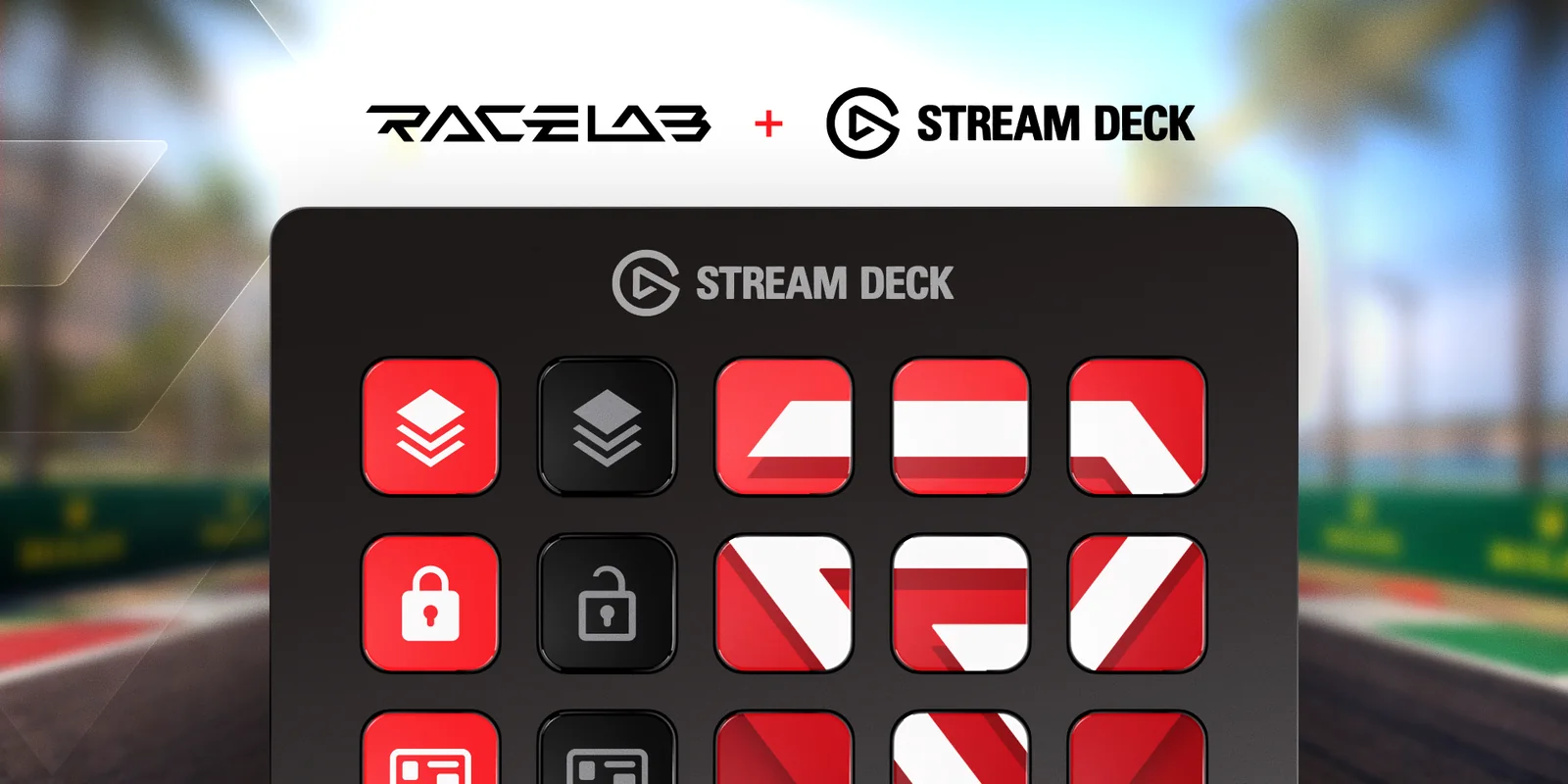
A Stream Deck is a small keypad from Elgato with a screen on every key. Put your overlays on its keys and turn them on or off while you drive, no mouse needed.
Get the free plugin on the Elgato MarketplaceRead the Stream Deck guide
Basic is free forever, with the essential overlays. Pro unlocks every overlay and tool, with a 30-day money-back guarantee, and you can cancel anytime.
Get started with essential RaceLab overlays.
Free
Forever.
Download RaceLabFull access to the RaceLab app and all overlays.
€49.90/ year
€4.16 a month, €8.90 less than paying monthly.
Perfect for sim racing centers and commercial venues. License RaceLab for your business.
€299/ seat / year
| Feature | Free | Pro |
|---|---|---|
| Basic OverlaysRelative, Standings, Radar, Fuel Calculator, Flags, Blind Spot and more. | Included | Included |
| Professional OverlaysTrack Map, Delta Bar, Input Telemetry, Weather Monitor, Head 2 Head, Lap Timing and more. | Not included | Included |
| Full CustomizationAdjust colors, sizes, positions, opacity, and data display for every overlay. | Not included | Included |
| Smart LayoutsAuto-switching layouts that adapt based on car type, track, and session. Set once, race forever. | Not included | Included |
| Layout Library AccessCommunity-shared layout configurations. Pro users get unlimited access to 1000+ layouts. | Limited | Included |
| Driver TaggingTag drivers with custom colors and notes. Track rivals, teammates, and friends across sessions. | 5 drivers | Unlimited |
| Series ModuleDeep iRacing series data: schedules, participation stats, SOF, and track rotation. | Limited | Included |
| Fuel SharingSee your teammate's fuel in endurance races. One teammate with Pro sets it up, everyone else joins free. | Join a team | Create and join |
| Race BriefingPre-race summary showing weather, track temp, competitors, and strategic insights. | Not included | Included |
| Tools ManagerLet RaceLab automatically start and stop your sim racing tools. Free lets you manage 3 tools. | 3 tools | Unlimited |
| VR SupportNative VR integration with optimized rendering and almost no performance impact. | Not included | Included |
| Multi-Sim SupportWorks with iRacing, ACC, AC, F1, rFactor 2, Le Mans Ultimate, and AMS2. | Included | Included |
| Discord SupportGet help from the community and team. Pro users get priority responses. | Included | Priority |