





Watch Formula 1 with RaceLab overlays
The TV director decides what you see. RaceLab shows you the rest: live standings, gaps, tyres, a track map and race control messages, as overlays on your screen. Keep watching the live F1 broadcast, with RaceLab overlays alongside it.


Why use it while watching?
The broadcast follows a few cars at a time. Your overlays follow all of them: every gap, every stint, every message from race control, the moment it happens.
- 01
Follow your own race
Pick the driver you care about and keep their position, gaps, tyres and lap times in front of you for the whole race, whether or not the cameras ever cut to them.
- 02
The whole race, not the highlights
Every position, gap, lap time, tyre stint and pit stop, for every car, the moment it happens. You are never limited to wherever the cameras happen to be.
- 03
Replay library
Download any session of the current season and play it back with the same overlays. Pause, jump to the session start and run it at 2x, 4x or 8x speed.
- 04
Race weekend at a glance
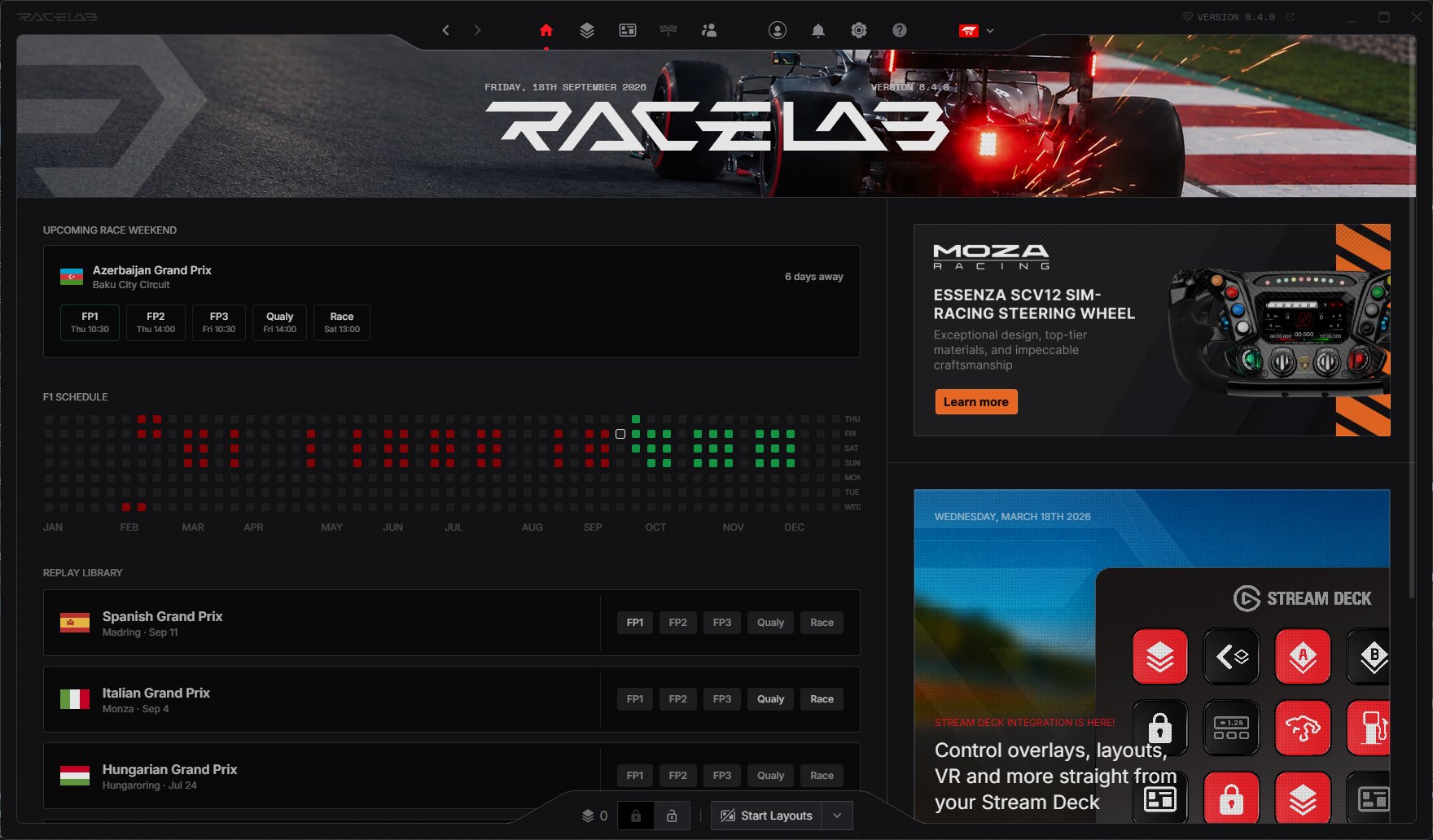
The dashboard shows the upcoming race weekend with its session times, and a LIVE chip appears the moment a session is running.
- 05
Deep customization
Every overlay has its own settings, and there are dozens of them. You decide what each one shows, how much of it, and how it looks on your screen.
- 06
A screen you arrange yourself
Every overlay is its own window, so you decide where it sits. Standings in one corner, a track map in another, and the rest of the screen stays free for the race.
F1 Broadcast mode
Overlays
01 · F1 Broadcast mode
Standings
The full classification with gaps, fastest laps and tyre compounds, straight from the timing feed.
- The whole field in order, with the gap to the leader or to the car in front
- Who gained and who lost places since the start, at a glance
- Every driver's tyres and the lap they pitted on
- Show only the columns you care about, in the order you like
02 · F1 Broadcast mode
Relative
The cars around the driver you follow with the live gaps between them, so you can see who is closing in and who is pulling away.
- Pick any driver and see exactly who is around them on track
- Watch the gaps open and close in real time
- Tyres, pit stops and lap times for every car in the fight
- Choose how many cars to show ahead and behind
03 · F1 Broadcast mode
Trend Chart
Plots gaps, positions or lap times lap by lap for the cars you choose.
- Watch a battle unfold: gaps, positions and lap times drawn over the race
- Follow the front runners, or the cars around your favourite driver
- See strategy play out: the undercut, the fading tyres, the charge through the field
- Every driver labelled on their line, with the live number next to it
04 · F1 Broadcast mode
Track Map
Every car on the circuit map, placed from the timing feed and updated live, so you always know where the battles are.
- Every car on a live map of the circuit, in team colours
- Find the leader and your driver instantly with their own markers
- Turn numbers and sector lines, so you always know where the action is
- Flat, top-down or 3D view, whichever reads best on your screen

05 · F1 Broadcast mode
Race Control Info
Race control messages, flags and investigations as they are announced.
- Every message from race control on your screen the moment it is issued
- Yellow flags, safety cars, investigations and penalties, without waiting for the commentators
- See how long ago each call was made
- An optional sound, so you never miss a decision

06 · F1 Broadcast mode
Data Blocks
Small tiles that each show one live value of your choice, such as the session fastest lap shown here. Drop as many as you like anywhere on your screen and build your own readout from the timing feed.
- The one number you care about, always on screen
- Dozens of live values to pick from: fastest lap, laps to go, track temperature and more
- Place it anywhere, at any size
- Add as many as you like and build your own info bar
What else can you put on your screen?
A lot more than the six above. Compare two drivers head to head, chart lap times, keep an eye on the weather, see flags the moment they wave, or keep a session timer in the corner. Every overlay is optional, so you only show what you want.

Horizontal Standings
The running order as a ticker across your screen, with the gap under every driver.

Flat Map
The whole lap drawn as one straight line, so you see how the field is spread out.
Session Timer
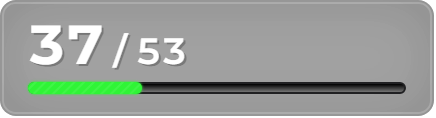
Laps to go and race progress, always on screen.
Flags
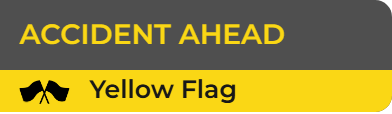
A clear banner the moment a yellow flag, a safety car or a red flag comes out.

Digiflag
The trackside light panels on your screen: yellow, safety car, red, green.
Head to Head
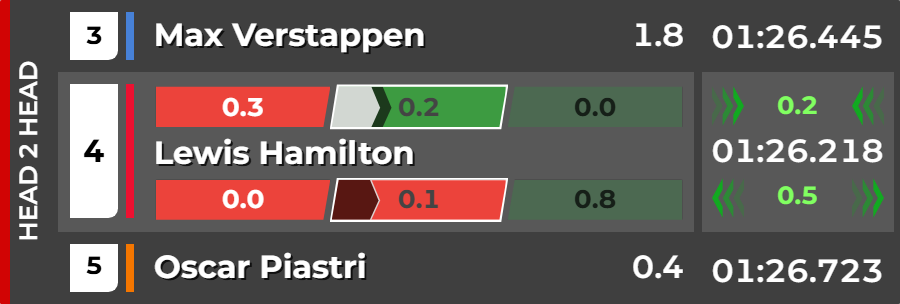
Your driver against the car ahead and the car behind, compared sector by sector.
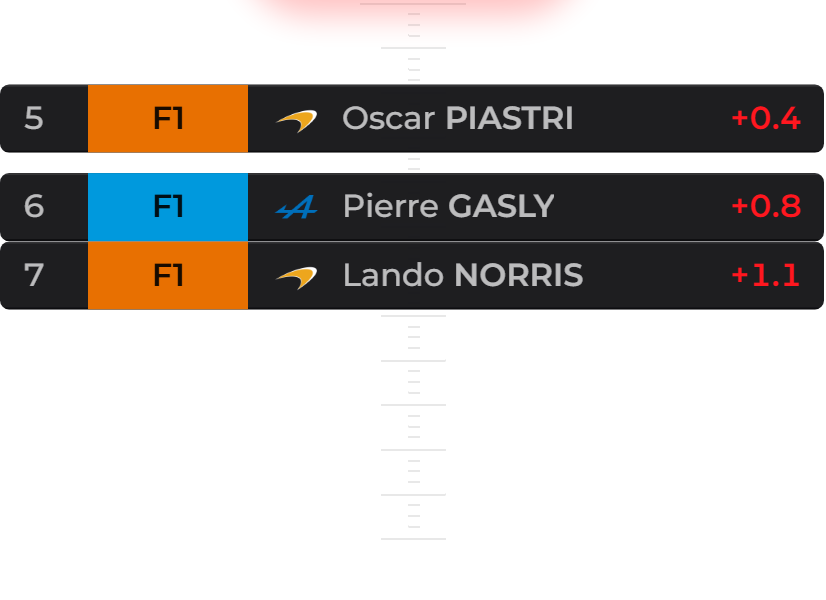
Overtake Alert
Shows who is closing in on your driver from behind, and how close they are.
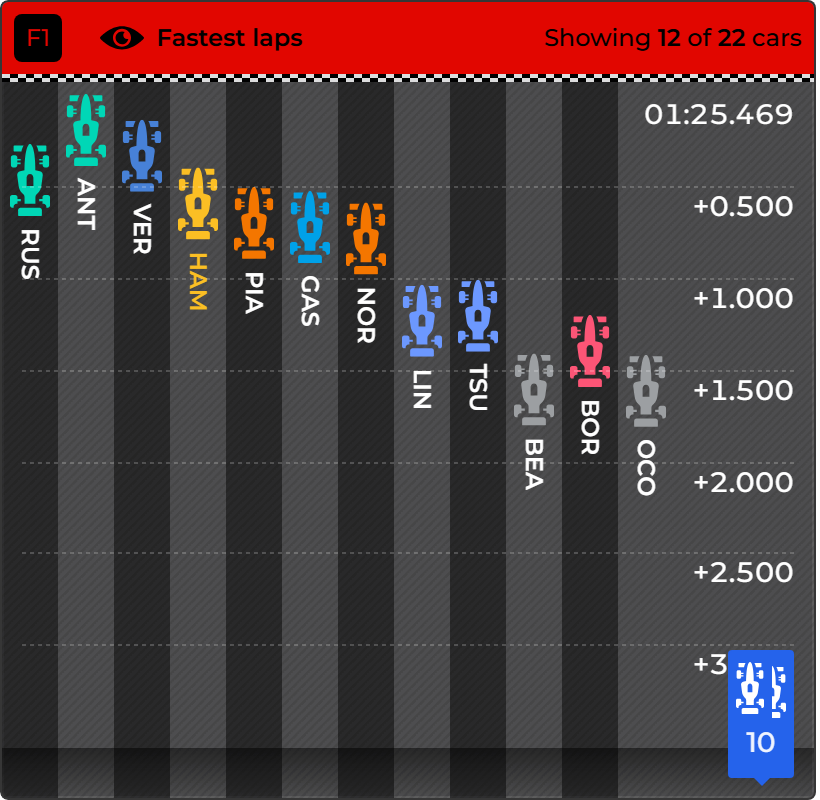
Laptime Spread
Every driver's fastest lap side by side, so you see who really has the pace.
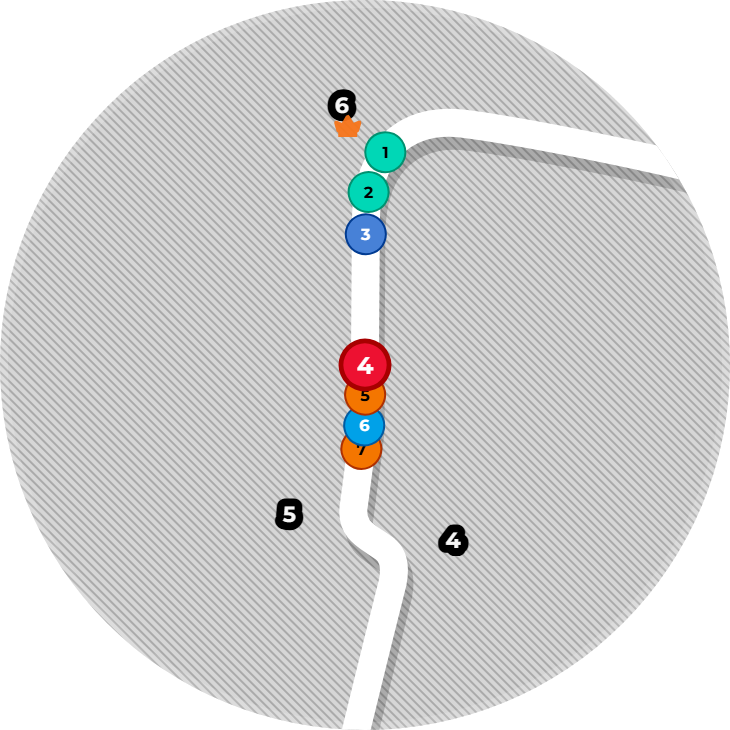
Minimap
A close-up map that follows your driver, so you see who is right around them.
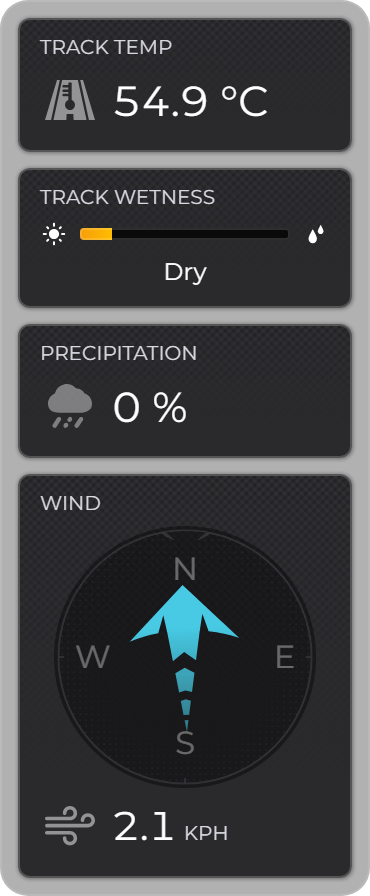
Weather Monitor
Track temperature, rain and wind at the circuit, straight from the timing feed.
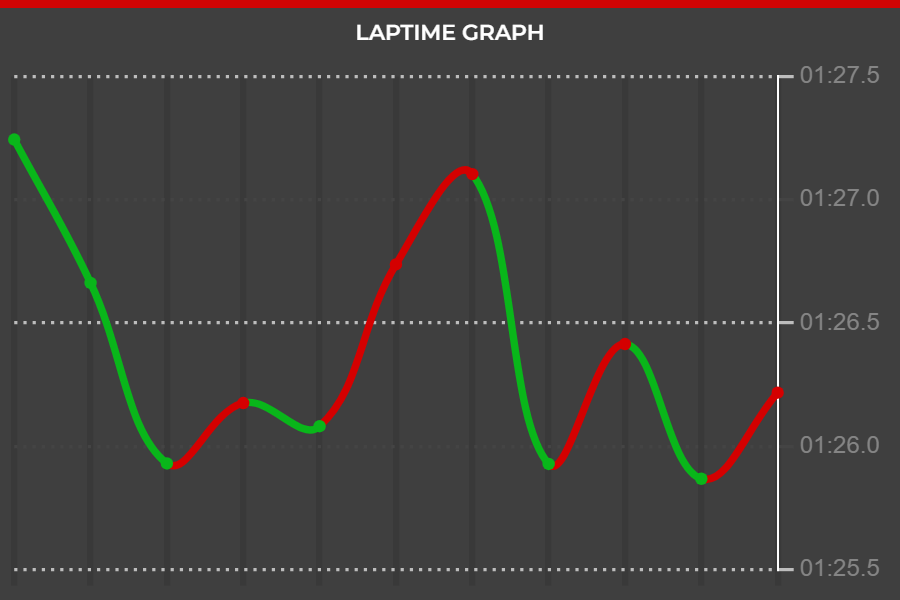
Laptime Graph
A driver's lap times as a curve, so a drop in pace stands out right away.
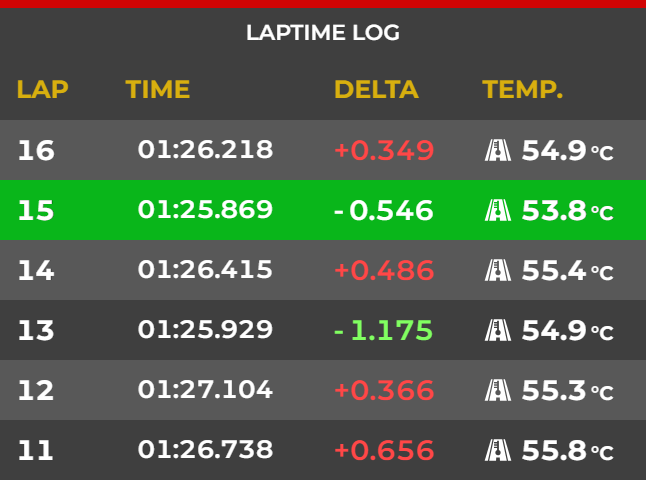
Laptime Log
Every lap your driver sets, with the change from the lap before.


How it works
- 01
Enable broadcast mode
Open Game Setup in RaceLab and switch on F1 Broadcast mode. There is nothing to install and no game to launch.
- 02
Pick a live session or a replay
During a race weekend the live session appears on the dashboard. Between races, download a session from the replay library and play it back.
- 03
Open your overlays
Start the overlays you use for sim racing, dial in the broadcast delay to match your stream and follow the session.
Optional
Connect F1 TV Pro for extra data
Broadcast mode works without any subscription. If you have F1 TV Pro, log in with your own account inside RaceLab to unlock extra data channels during live sessions.
You log in on the official Formula 1 website inside RaceLab. RaceLab keeps only the resulting session token, never your password.
- Driver tracker with GPS positions
- Pit stop times
- Team radio notifications
- Championship standings
Common questions
Is F1 Broadcast mode free?
Yes. Enabling broadcast mode costs nothing. The same plan rules apply as for any sim: the free plan includes the basic overlays and Pro unlocks the full library.
Do I need F1 TV Pro?
No. The live timing feed works without a subscription. F1 TV Pro only adds extra channels: GPS positions, pit stop times, team radio notifications and championship standings.
Is this the same as the F1 game support?
No. The EA F1 games send telemetry from the game you are driving. Broadcast mode follows the real Formula 1 championship through the official timing feed; no game is involved.
Which sessions can I replay?
Every session of the current season that has already run: practice, qualifying, sprint and race. Download it once from the replay library and play it back as often as you like.
My overlays are ahead of the pictures. What now?
Set the broadcast delay in the F1 Broadcast connection settings to the number of seconds your stream is behind, and the overlays fall into line.
Which overlays are not available?
Anything that needs data from inside the car: fuel calculator, input telemetry, advanced panel, radar, blind spot indicator, delta bar, G-force meter, pitbox helper and boost box, plus the iRacing-only leaderboard and race schedule.
Ready for the next Grand Prix?
Download RaceLab for free, enable F1 Broadcast mode and follow the next session with the full timing feed on your screen.
Download RaceLab NowSee everything else RaceLab does
RaceLab is unofficial, community-driven software and is not associated in any way with the Formula 1 companies. F1, FORMULA ONE, FORMULA 1, FIA FORMULA ONE WORLD CHAMPIONSHIP, GRAND PRIX and related marks are trade marks of Formula One Licensing B.V. F1 TV Pro is a subscription service of Formula 1 and is needed only for the optional extra data channels.